You posted three times this week. Zero likes on two of them. One got fifty comments and you still don’t know why.
Instagram hides your posts. Not all the time (just) enough to make you second-guess every caption, every filter, every time you hit share.
I’ve managed accounts that went from zero to fifty thousand followers. Then I’ve watched others lose half their reach overnight, not because the content tanked, but because Instagram changed something in the background. Again.
Most guides pretend visibility is about “engagement hacks” or “viral timing.”
It’s not.
It’s about knowing where the knobs are (and) which ones actually move the needle.
I’ve tweaked settings on personal profiles, local business accounts, and creator pages through six major algorithm overhauls. Hiding posts on Instagram isn’t some underground hack. It’s a real feature. Most people simply don’t know it exists, which is wild considering how long it’s been available. The misconception probably stems from Instagram burying it deep in menus where casual users won’t stumble across it, and honestly, that obscurity works in your favor if you need to adjust what’s visible without deletion or drama.
It’s a set of real, working controls. Buried just deep enough that most people miss them.
This guide shows you exactly which toggles to flip, which tools actually matter (and which ones you can skip), and how to test what’s really happening with your audience.
No theory. No fluff. Just control.
Instagram’s visibility isn’t one thing (it’s) three
I used to think “posting” meant “it goes out.”
Turns out, it’s more like launching three separate rockets. Each with its own fuel, path, and landing zone.
First: the algorithm. It decides where your post lands in feeds and Reels tabs. Not who sees it (just) how far down it appears.
It watches what you’ve tapped, saved, or lingered on. Then it figures out what others might care about based on their behavior, not yours. Your follower count? Honestly, it matters way less than whether someone watched your last two Reels for 8 seconds.
Second: audience selection. Followers vs. Non-followers. That’s not just a toggle.
It’s a gate. Reels go wide by default. Feed posts don’t.
Stories vanish unless you choose Close Friends or Public. Mix those up? You’ll wonder why one post got 3 likes and another blew up.
(Spoiler: they weren’t treated the same.)
Third: manual controls. Hide posts from specific people. Disable resharing. Lock a Story behind Close Friends. That’s where real control actually lives, not in hoping the algorithm picks you.
Here’s what actually happened last week: I posted the exact same photo twice. Once set to Public. Once to Close Friends.
The Public one reached 127 people. The Close Friends one hit 34. All within 90 minutes.
No magic. Just settings doing their job.
If you’re trying to figure out How to Hide Posts on Instagram Fntkech, start here. Not with hacks, but with intent. This guide walks through every toggle, slowly and without fluff. You don’t need more features.
You need clarity. And you get that by choosing before you post. Not after.
How to change who sees your instagram post. Right now
I tap into Instagram every day. And I still mess up audience settings sometimes.
Create Post → Share To → pick Followers Only, Public, or Close Friends. That’s it. Three taps.
Done.
You think you’ll remember later? You won’t. Set it before you hit share.
What if you already posted? Go to the post → tap the three dots → “Edit Audience” → choose again.
But here’s the catch: this only works for Feed posts. Not Reels. Not Stories.
Those are locked in.
Why does it matter?
Use Followers Only when you’re sharing something raw. A health update. A political take.
Something that could get misread by strangers.
Go Public only when you actually want growth. Not just because it feels safer. (Spoiler: it’s not safer.
It’s just louder.)
Close Friends is my go-to for real talk. No performance. No metrics watching.
Just people who know me.
Instagram doesn’t warn you.
You ever post to Close Friends thinking it was Public? Yeah. Me too.
And no (setting) something to Public doesn’t guarantee reach. The algorithm still decides who sees it. Always has.
That’s why “How to Hide Posts on Instagram Fntkech” isn’t really about hiding. It’s about choosing who gets your attention and your words. Deliberately.
Pro tip: Turn on notifications for “Audience changed” in Settings > Notifications > Audience Changes. Yes, that exists. Most people don’t know.
Do it now. Before your next post.
Timing, Captions, and What Instagram Actually Rewards
I used to post whenever I felt like it. Then I checked my analytics. My audience is awake at 7 a.m. And 9 p.m.
I go into much more detail on this in Fntkech Technoly News From Fitnesstalk.
Not at 2 p.m. Like every “best times” list says.
Post during your audience’s active hours. Not someone else’s.
Avoid posting in the first 48 hours after a major Instagram update. The algorithm’s jumpy. Your post gets lost in the noise.
Space posts at least three hours apart. Flooding your feed kills reach. It’s not cute.
It’s counterproductive.
Captions? Lead with value (not) emojis. Say what the post does for the reader in the first line.
Put 1. 2 relevant hashtags in the caption. Not in the first comment. Instagram sees that as lazy.
End with an open-ended question. Not “Thoughts?”. Try “What’s the first thing you check before hitting ‘post’?”
Instagram rewards reply rate within 60 minutes. That’s real. Not vanity metrics.
It also counts meaningful comments. Three+ words. And saves.
Saves are quiet but solid.
Ask a question that makes people pause. Tag a friend who needs this. Say “Save for later” (and) mean it.
One post jumped from 400 to 1,200 reach after I ditched 10 vague hashtags and swapped them for a single question, “What’s one thing you wish your feed showed more of?”, paired with 3 precise tags. The difference? Specificity. Engagement. Real conversation instead of algorithmic noise.
You’ll see the difference fast.
For more on how platform shifts affect visibility. Like why some features vanish overnight. Check out the Fntkech Technoly News From Fitnesstalk.
How to Hide Posts on Instagram Fntkech? Don’t hide them. Improve them instead.
Most people hide because they’re embarrassed by low-performing posts.
Fix the timing. Fix the caption. Fix the ask.
Instagram privacy: what actually moves the needle
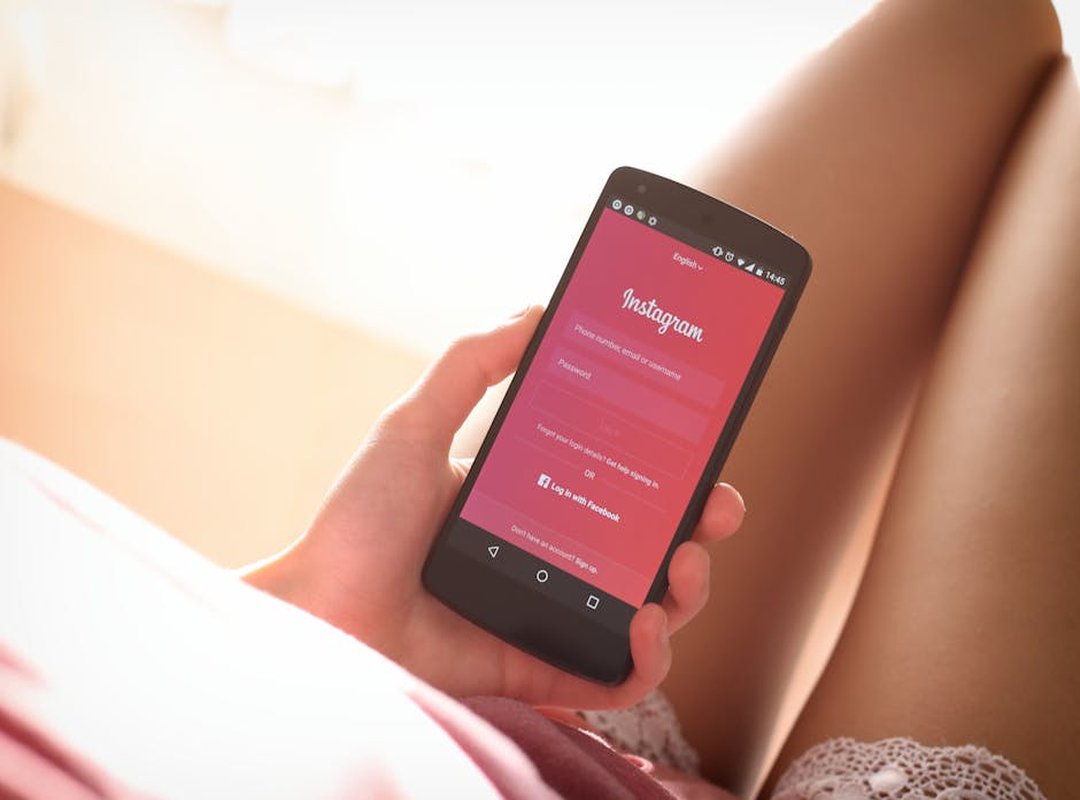
I switched my account type three times last year. Learned the hard way.
Personal accounts hide your follower count. Creator accounts show you Audience Takeaways. Business accounts? They give you contact buttons and lock you into Meta’s ad tools.
Switching to Creator doesn’t boost reach. But it does let you see who’s engaging with each post. Not just averages.
Real names. Real locations. Real time zones.
Here’s what people get wrong:
Hiding like counts? Doesn’t hurt visibility. Turning off “Allow Others to Share Your Posts”?
Yes. That kills organic spread. Instantly.
You can restrict someone without blocking them. They’ll see your posts (but) not in their main feed. Their comments won’t show up publicly either.
Useful if you’re trying to protect your mental health. Not your metrics.
Private accounts lock everything down. No Explore page. No hashtag discovery.
Ever. Go public if you want even a shot at being found.
How to Hide Posts on Instagram Fntkech is a common search. Here’s what most guides won’t tell you: if your account’s public, you can hide posts from specific people. But if it’s private? Everyone you’ve approved already sees everything. Hiding doesn’t matter then.
The advantages of default apps fntkech matter here too. Because Instagram’s built-in privacy controls are faster and more reliable than third-party wrappers.
Don’t overthink it. Pick one account type. Stick with it for 30 days.
Then adjust.
Visibility isn’t random (it’s) yours to fix
I’ve seen it a hundred times. You post. You wait.
Nothing moves. That inconsistency? It’s not bad luck.
It’s decisions you’re making (or) not making.
So do these three things now:
Audit your last 5 posts’ audience settings. Pick one timing or caption tweak (test) it this week. Check if your account type actually supports your visibility goals.
Not later. Today.
Open Instagram right now. Go to your most recent post. Edit its audience.
Done? Good. Set a reminder: review one visibility setting every 3 days.
That’s how you stop guessing and start growing.
How to Hide Posts on Instagram Fntkech is part of that control. Not a workaround. It’s use.
You wanted consistency. You got a plan.
Now go fix one thing.
Visibility isn’t luck (it’s) a skill you build, one post at a time.
 Ask Brenda Grahamandez how they got into ai and machine learning insights and you'll probably get a longer answer than you expected. The short version: Brenda started doing it, got genuinely hooked, and at some point realized they had accumulated enough hard-won knowledge that it would be a waste not to share it. So they started writing.
What makes Brenda worth reading is that they skips the obvious stuff. Nobody needs another surface-level take on AI and Machine Learning Insights, Zillexit Cybersecurity Frameworks, Gadget Optimization Hacks. What readers actually want is the nuance — the part that only becomes clear after you've made a few mistakes and figured out why. That's the territory Brenda operates in. The writing is direct, occasionally blunt, and always built around what's actually true rather than what sounds good in an article. They has little patience for filler, which means they's pieces tend to be denser with real information than the average post on the same subject.
Brenda doesn't write to impress anyone. They writes because they has things to say that they genuinely thinks people should hear. That motivation — basic as it sounds — produces something noticeably different from content written for clicks or word count. Readers pick up on it. The comments on Brenda's work tend to reflect that.
Ask Brenda Grahamandez how they got into ai and machine learning insights and you'll probably get a longer answer than you expected. The short version: Brenda started doing it, got genuinely hooked, and at some point realized they had accumulated enough hard-won knowledge that it would be a waste not to share it. So they started writing.
What makes Brenda worth reading is that they skips the obvious stuff. Nobody needs another surface-level take on AI and Machine Learning Insights, Zillexit Cybersecurity Frameworks, Gadget Optimization Hacks. What readers actually want is the nuance — the part that only becomes clear after you've made a few mistakes and figured out why. That's the territory Brenda operates in. The writing is direct, occasionally blunt, and always built around what's actually true rather than what sounds good in an article. They has little patience for filler, which means they's pieces tend to be denser with real information than the average post on the same subject.
Brenda doesn't write to impress anyone. They writes because they has things to say that they genuinely thinks people should hear. That motivation — basic as it sounds — produces something noticeably different from content written for clicks or word count. Readers pick up on it. The comments on Brenda's work tend to reflect that.